

For entrepreneurs and small business owners, especially in today’s digital landscape, having the right tools can significantly streamline operations, enhance productivity, and drive growth. While premium tools often come with powerful features, there are numerous free tools available that can substantially impact your business without costing a dime. This blog explores some top free tools recommended for small businesses aiming to expand their online presence and efficiency.
Research and Audits
Google Alerts – https://www.google.com/alerts
Stay informed about mentions of your business, industry news, or competitors with Google Alerts. This simple tool sends updates directly to your email, ensuring you never miss out on crucial insights that could impact your business.
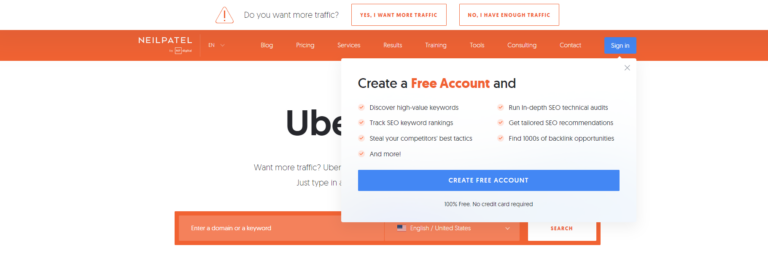
Ubersuggest – https://neilpatel.com/ubersuggest/
SEO can be daunting, but Ubersuggest simplifies the process. Use this tool to generate keyword ideas, understand search volumes, and strategize your content to improve your SEO rankings.
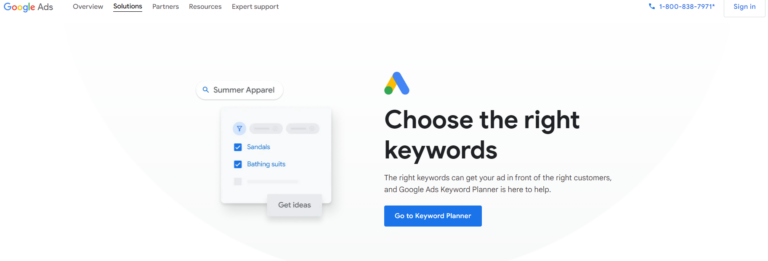
Google Keyword Planner – https://ads.google.com/intl/en_us/home/tools/keyword-planner/
Ideal for those starting in digital marketing, this tool helps identify new keywords relevant to your business and provides data on search trends and ad costs.
Woorank Chrome Extension – https://www.woorank.com/en/extension
Instantly analyze your website’s SEO health with this handy extension. It provides essential insights and optimization recommendations to improve your site’s visibility.
Business Plan and Website
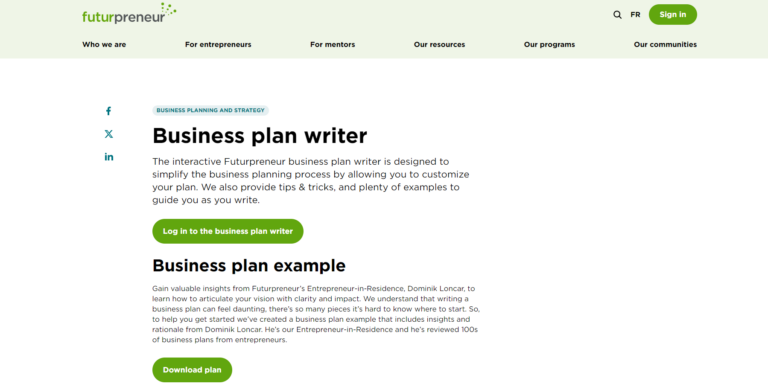
Business Plan Writer – https://futurpreneur.ca/en/resource/business-plan-writer/
This interactive tool from Futurpreneur Canada helps simplify the business planning process by guiding you through drafting your business plan with tips, tricks, and plenty of examples.
[Business Plan Writer](https://www.futurpreneur.ca/en/resources/start-up-business-planning/tips-tools/business-plan-writer/)
SkillShare / Thinkific – https://join.skillshare.com/learn/
These platforms are invaluable for businesses venturing into online education, allowing you to create and sell courses that reflect your brand’s expertise.
Content Creation Tools
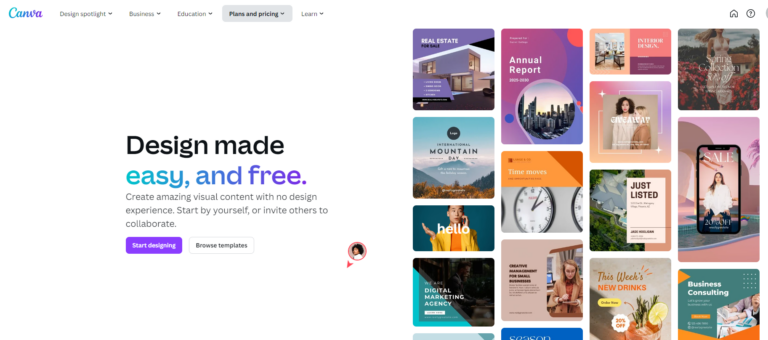
Canva – https://www.canva.com/free/
Design everything from business cards to social media posts with Canva. Its user-friendly interface makes professional-looking design achievable for everyone.
Unsplash – https://unsplash.com/
Access a vast library of high-quality, free photos for your marketing materials, ensuring your content always looks its best.
Lightroom – https://www.adobe.com/ca/products/photoshop-lightroom.html
Inshot – https://www.inshot.com/
This mobile video editor allows you to create high-quality videos on the go, perfect for social media updates and marketing videos.
Canva – Video editor – https://www.canva.com/video-editor/
iMovie – https://support.apple.com/imovie
Ideal for beginners, iMovie makes video editing straightforward, with various templates and tools to help you create professional-looking videos.
Websites :
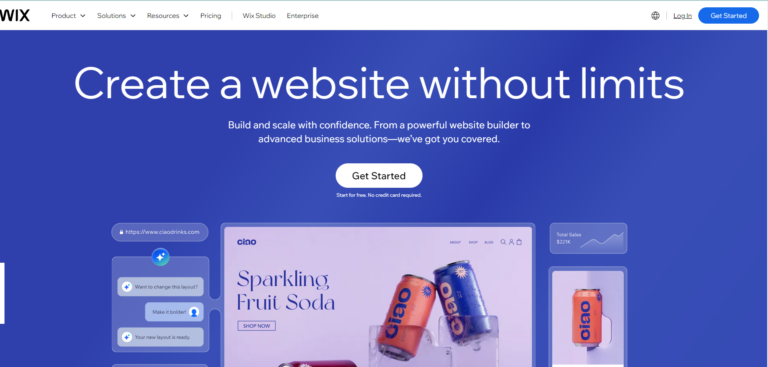
Wix – https://www.wix.com/
Create a stunning website for free with Wix. It offers a variety of templates and a drag-and-drop interface, making web design accessible without any coding skills.
Few more options:
Squarespace – https://www.squarespace.com/
Google Sites : https://sites.google.com/new
Shopify : https://www.shopify.com/ca
Scheduling Tools
Hootsuite or Buffer – https://www.hootsuite.com/plans
Manage your social media accounts more efficiently by scheduling posts in advance with either Hootsuite or Buffer. These tools are great for maintaining a consistent social media presence.
More Tools
Mailchimp – https://mailchimp.com/pricing/free-details/
Start your email marketing with Mailchimp’s free plan. It’s an excellent tool for building email lists and designing email campaigns.
Google Analytics
Understand your audience better with Google Analytics. This tool provides valuable insights that can help tailor your marketing strategies to meet customer needs more effectively.
https://analytics.google.com/analytics/academy/
Productivity Tools
Trello – https://trello.com/
Organize your projects with Trello’s visual boards. It’s a fantastic way to keep track of tasks and progress across different team members and projects.
Zoom – https://zoom.us/
Connect with your team or clients no matter where they are with Zoom, a leader in modern video communications.
Calendly – https://calendly.com/
Simplify meeting scheduling with Calendly, which integrates easily with your calendar to help manage your appointments without the back-and-forth emails.
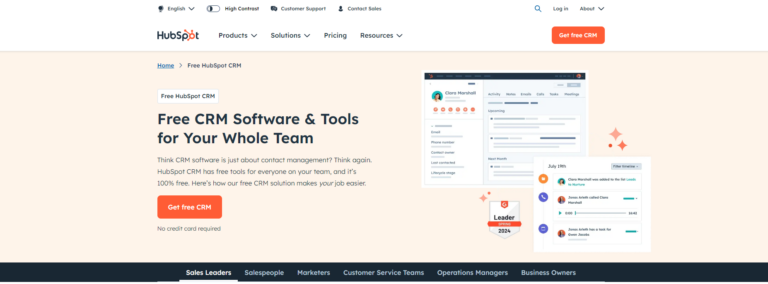
HubSpot CRM – https://www.hubspot.com/products/crm
For a more comprehensive solution, HubSpot offers a free CRM that integrates with various marketing, sales, and service tools to help grow your business.
These tools collectively provide a robust foundation for managing and growing your small business. Whether you’re optimizing your website, scheduling content, or connecting with customers, there’s a free tool available to help enhance every aspect of your business operations. Share your experiences or additional tools you find useful in the comments!